Playground — ORBIT
ORBIT — a browser-native twin-stick roguelike shooter built end-to-end with TechZunction's four open-source libraries working together. Aura.js drives the game engine and state, keyboard.js handles WASD thrust and the ⌘K command palette, mousepad.js powers the aim cursor, and collide.js runs the bullet-vs-enemy physics. One canvas, one frame loop, four tiny libraries — a living proof-of-concept that they compose cleanly into a real, playable product.
The Problem
Challenge
Open-source libraries live or die by their examples. Isolated docs pages prove an API works, but they don't prove libraries compose — that keyboard.js scopes don't fight Aura.js hooks, that mousepad.js cursor events stream cleanly into a game loop, that collide.js can handle hundreds of bullet-vs-enemy pairs at 60 FPS without a dedicated physics engine. Prospective users want to see a single product — something they'd actually ship — built on the stack before they trust it.
Our Approach
Strategy
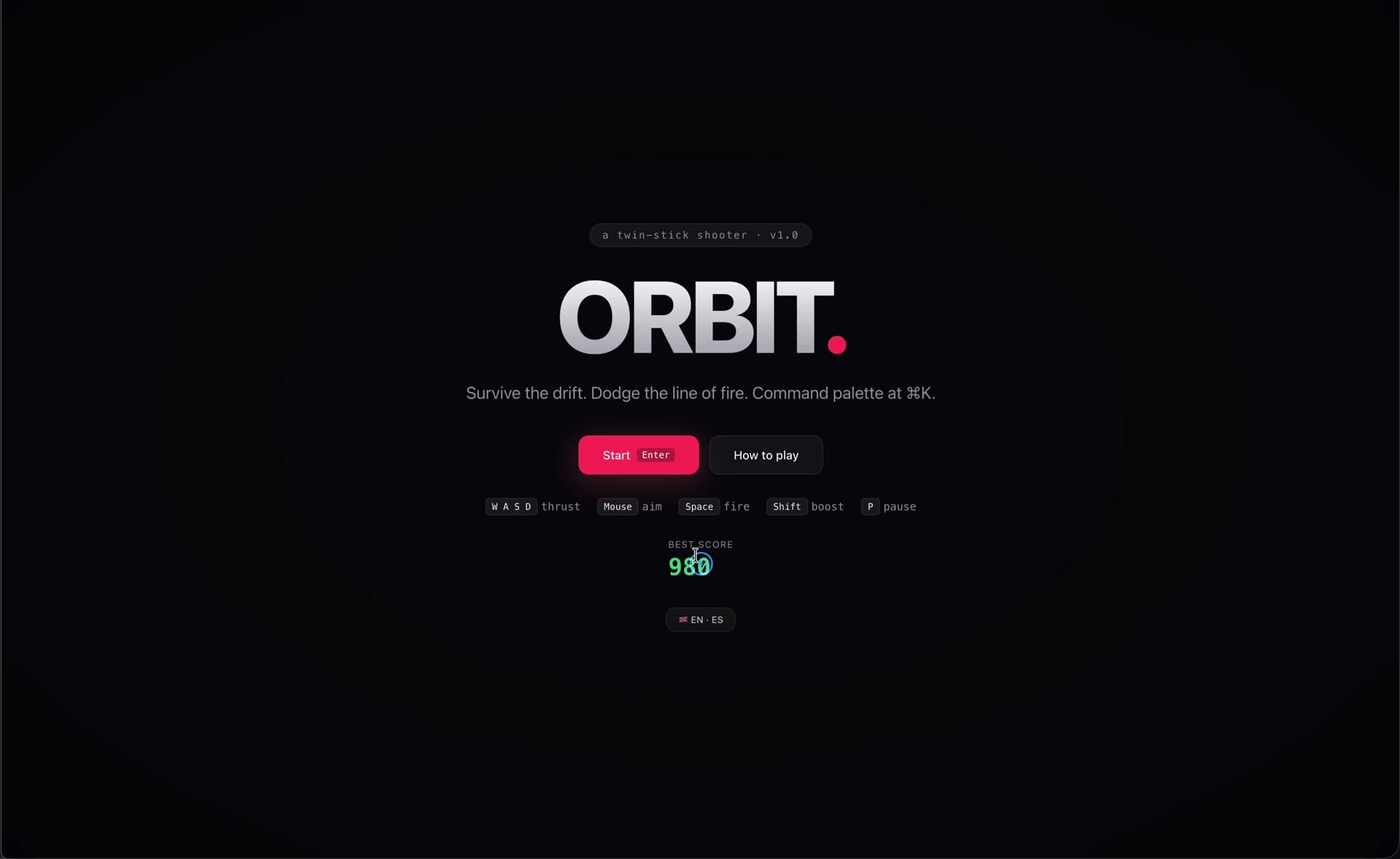
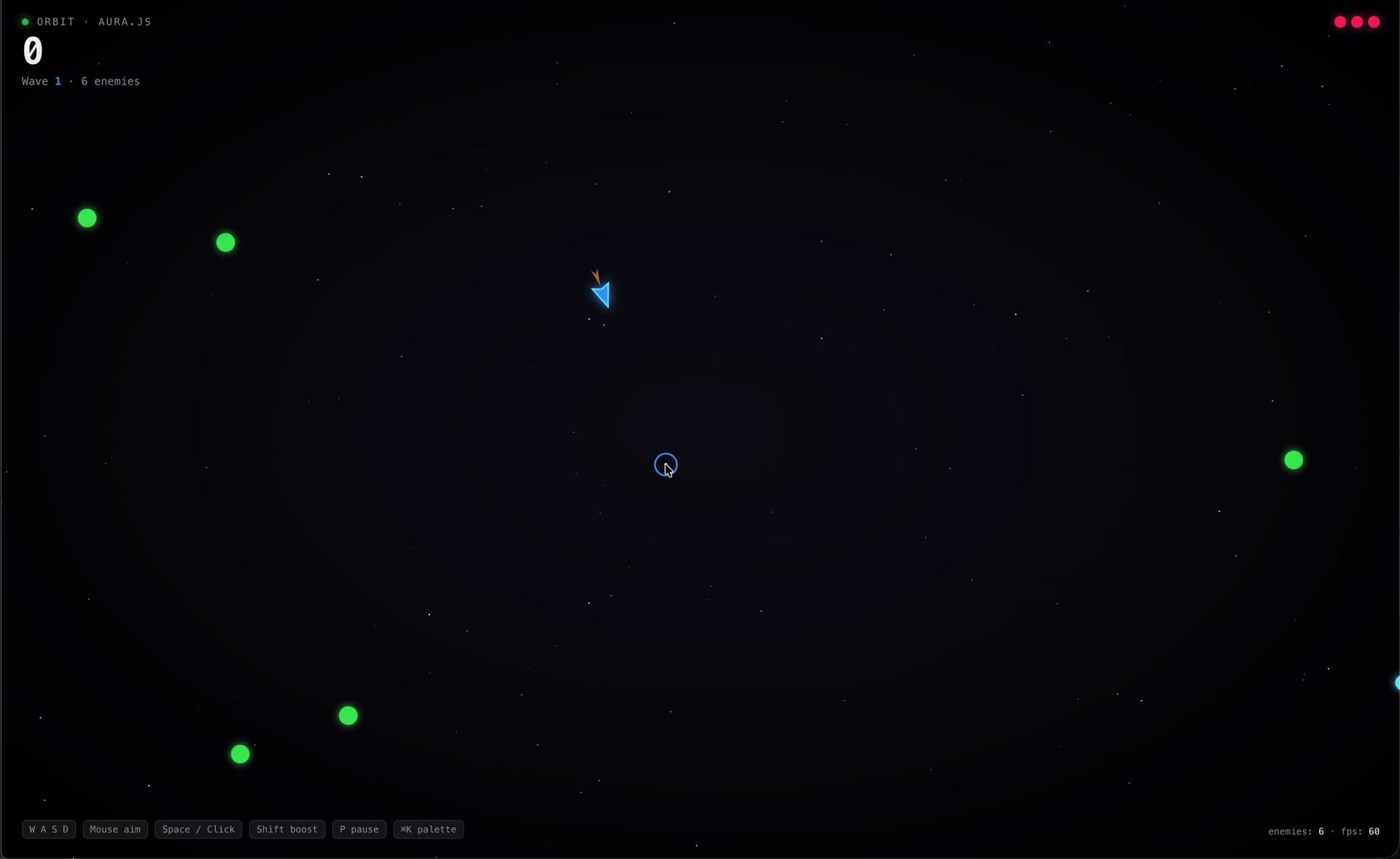
We built ORBIT, a twin-stick roguelike shooter, as one unified showcase for all four libraries. The ship thrusts with WASD (keyboard.js hotkeys), aims at the mouse (mousepad.js cursor stream with velocity), fires on click/Space (keyboard.js chord + mousepad.js input kind), and boosts on Shift. Enemies spawn in waves, the score counts up, and ⌘K opens a keyboard.js command palette with start/pause/reset/quit actions scoped to the game. Bullet-enemy hits run through collide.js with circle shapes and batched RAF reads — zero dedicated physics engine, ~600 pair checks per frame comfortably. Aura.js wires state, routing (home / game / how-to-play), and i18n (EN/ES). The whole thing ships as one static HTML page with four `<script>` tags, no build step, no bundler.
The Solution
Result
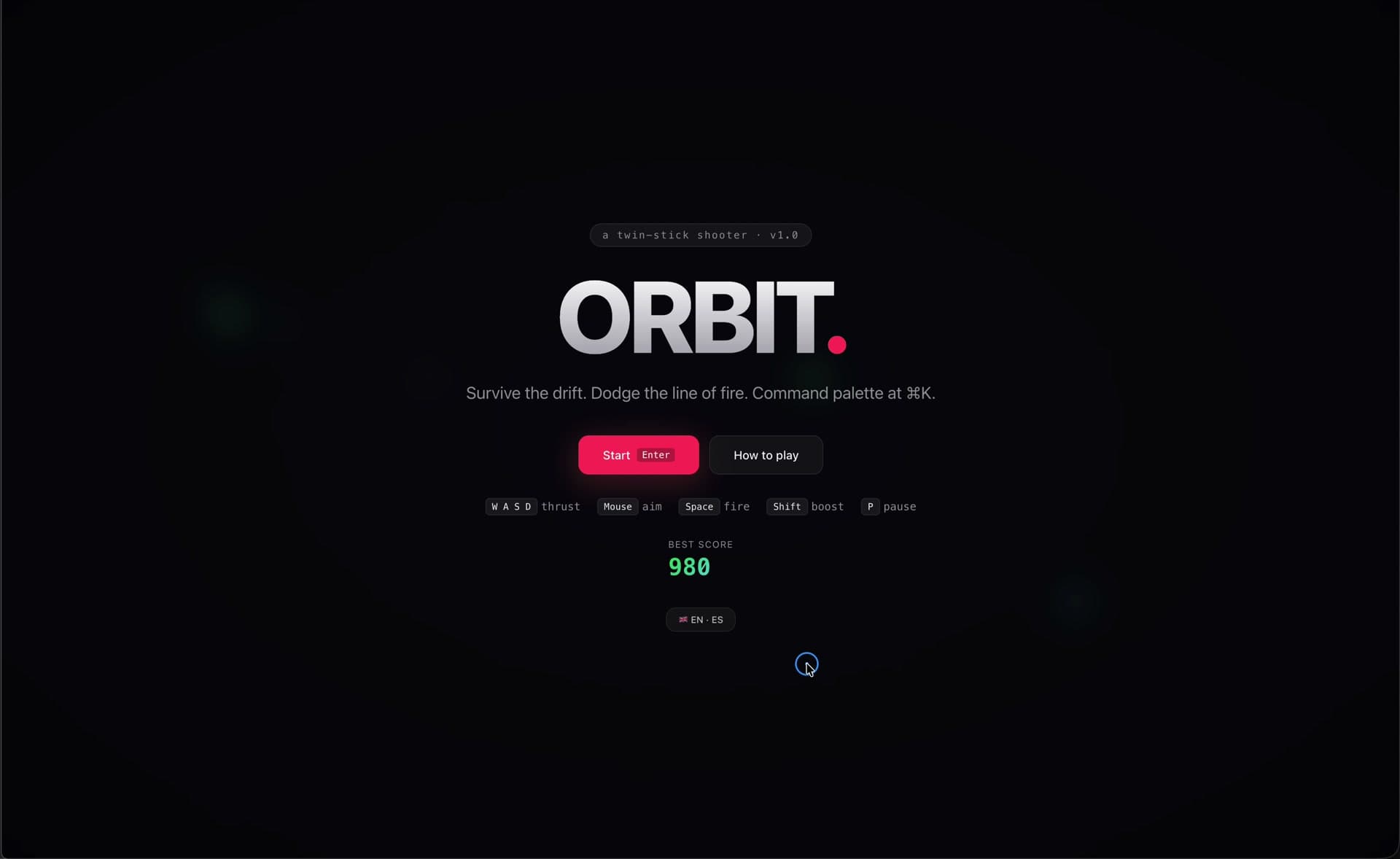
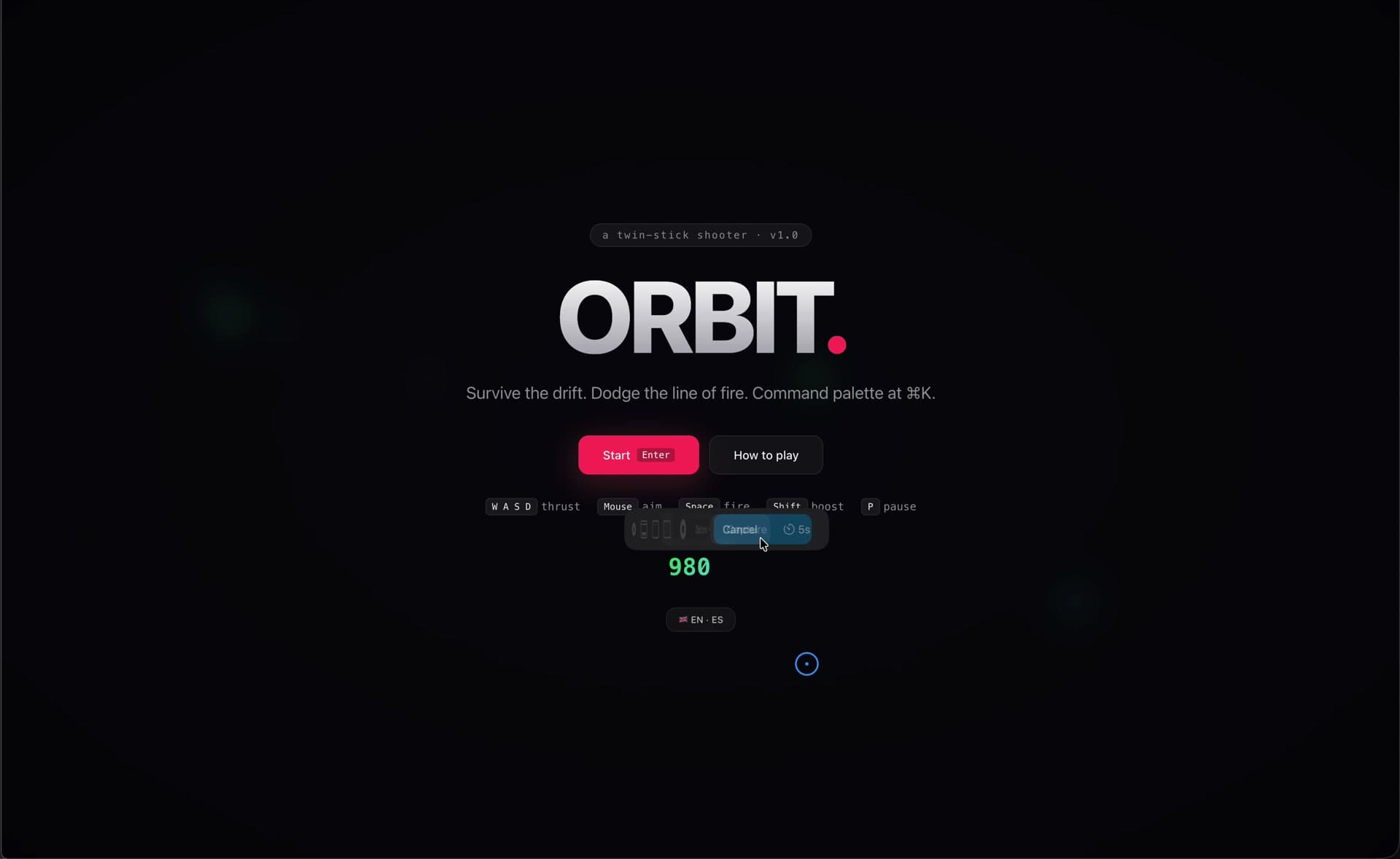
A fully playable browser game at playground.techzunction.com that acts as the definitive proof that Aura.js, keyboard.js, mousepad.js, and collide.js compose into real products. ORBIT keeps a persistent best score, supports English and Spanish, ships a how-to-play screen, and holds a steady 60 FPS with wave-scaled enemy counts. Open-source, zero build step, one static HTML file plus four tiny script tags — the fastest possible way for a new developer to see all four libraries in action, together.
Screenshots
Product Gallery
Live Demos
See It in Action
Key Metrics
Libraries Integrated
Languages
Target FPS
Build Step
Get This Product
Playground — ORBIT
Complete source code, assets, and deployment-ready build
Exclusive Ownership
Secure payment via Razorpay. Instant delivery.
Next Product

Playground — ORBIT
$10